
Your hero section has roughly 3 seconds to convince a visitor to stay. That tiny window decides whether someone scrolls, clicks your CTA, or hits the back button. After auditing hundreds of websites at Zach’s Web Designs, we noticed that high-performing hero sections almost always follow one of a handful of layout patterns.
In this guide, we break down 10 hero section design patterns that consistently work, with real-world examples and a clear analysis of where the headline, visual, and call-to-action sit. The goal is simple: help you pick the right layout for your content type, not just copy a trend.
What Makes a Hero Section Actually Work?
Before jumping into the patterns, every effective hero section shares five core ingredients:
- A clear headline that communicates the value proposition
- A supporting subheadline that adds context or addresses an objection
- A primary CTA with one obvious action
- A visual anchor (image, illustration, video, or product shot)
- Visual hierarchy that guides the eye in under 3 seconds
The layout is how you arrange those ingredients. Let’s dig into the 10 patterns that work in 2026.
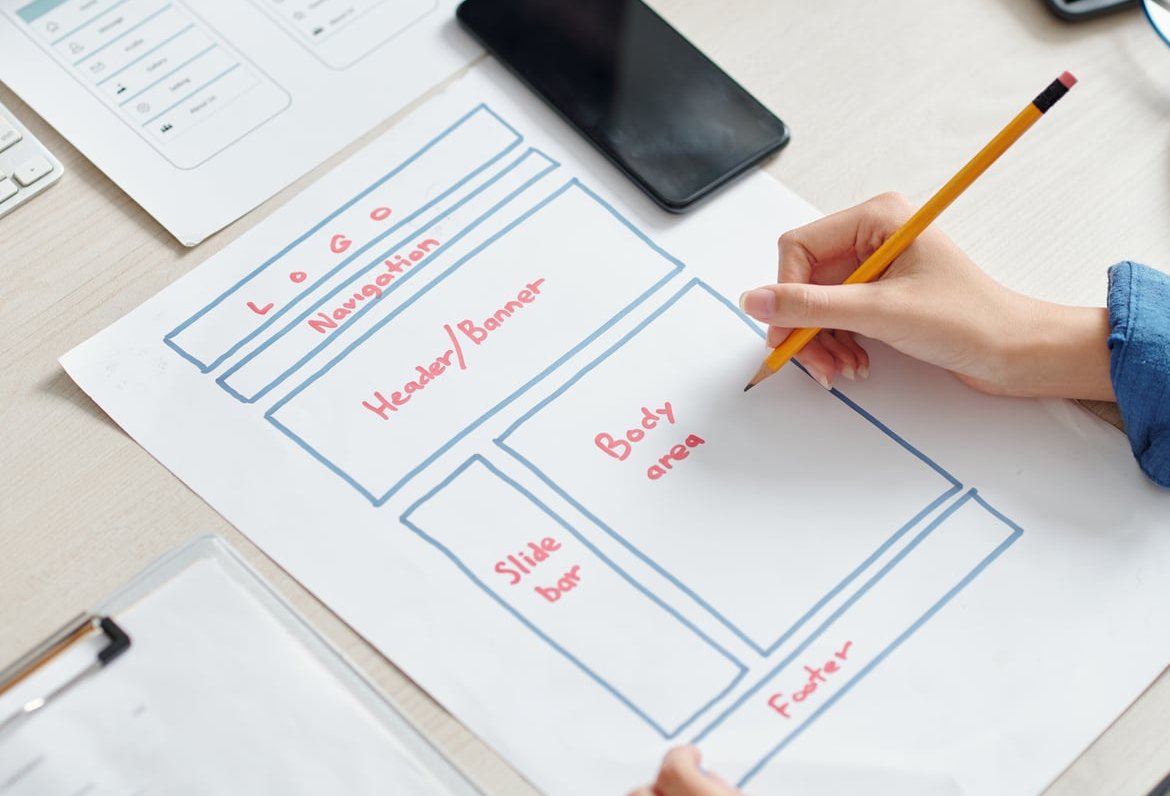
1. Split Screen (Text Left, Visual Right)
The classic 50/50 split is still the most reliable hero layout for SaaS and service businesses.
Structure
- Left: Headline + subheadline + CTA stack
- Right: Product screenshot, dashboard UI, or illustration
Real example: Notion, Linear, and Intercom all use variations of this. It works because Western readers scan left to right, so they read the value prop before seeing the product proof.
Best for: SaaS, B2B services, product demos.
2. Centered Text with Background Visual
Everything centered: headline, subheadline, CTA, all stacked vertically over a full-bleed image or video.
Structure
- Full-width background image or muted video loop
- Dark overlay for text legibility
- Centered H1, subhead, single CTA button
Real example: Apple uses this for product launches. The headline lands dead center, and a single button does the heavy lifting.
Best for: Brands, agencies, lifestyle products, launch pages.
3. Full-Screen Video Hero
An autoplay muted video fills the viewport with text overlaid.
Structure
- Background video (under 10 seconds, looped)
- Headline positioned bottom-left or center
- CTA that contrasts with video tones
Best for: Restaurants, hotels, creative agencies, fashion.
Watch out for: File size. Compress aggressively or use a poster image fallback on mobile.
4. Asymmetric Grid
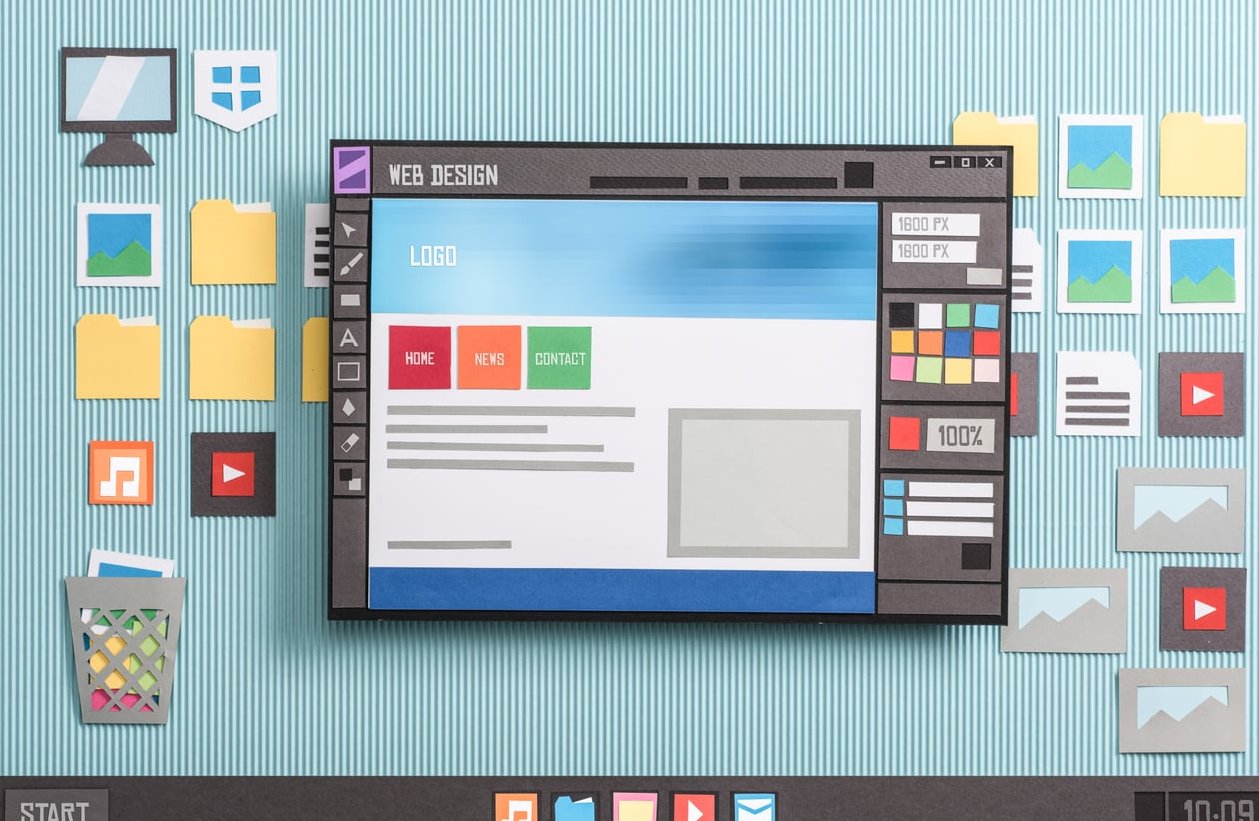
Text and visual elements break the grid with overlapping shapes, off-center images, or rotated cards.
Structure
- Headline anchored top-left or top-center
- Multiple visual elements at varying depths
- CTA placed in the natural eye path (usually bottom of text block)
Best for: Design portfolios, creative tools, fintech apps targeting younger audiences.
5. Minimalist Text-Only Hero
No image. Just a massive headline, a small subhead, and maybe one CTA.
Structure
- Oversized typography (often 80px+)
- Generous whitespace
- Text or outlined CTA button
Real example: Stripe and Vercel have used pure typographic heroes that rely on bold copy to do all the work.
Best for: Premium brands, consultancies, developer tools where confidence matters more than imagery.
6. Product-Forward Hero (Visual Above Text)
Flips the script: product visual on top, text below.
Structure
- Top: Large product hero shot or animated UI
- Below: Centered headline and CTA
Best for: Ecommerce, physical products, hardware launches.
7. Animated Illustration Hero
Custom illustrations with subtle animations (Lottie files, SVG transitions) act as the visual focal point.
Structure
- Text block (usually left)
- Animated character or scene (usually right)
- CTA inline with text
Best for: Fintech, edtech, healthtech, anything that needs to humanize a complex topic.
8. Multi-CTA Hero (Two Audiences)
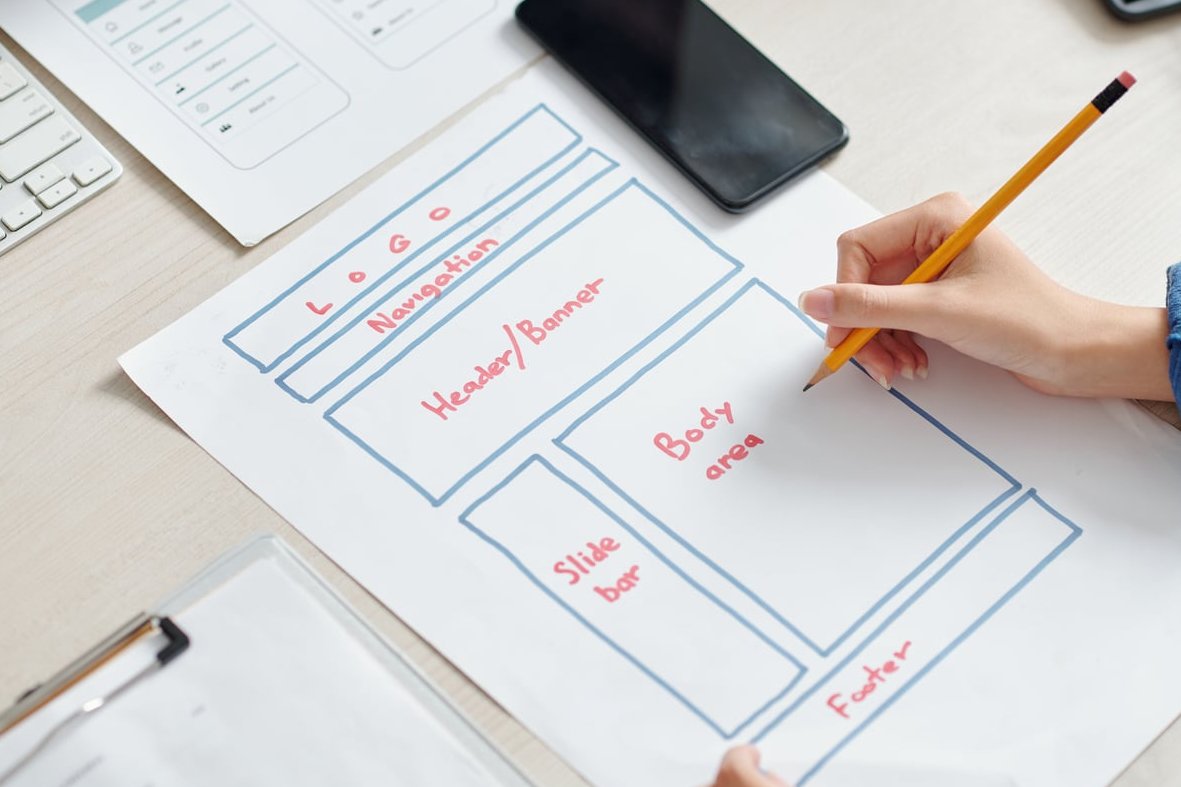
When you serve two distinct user types, give them two doors.
Structure
- Single headline addressing both groups
- Two CTA buttons side by side (one primary, one secondary)
- Optional split visual representing each audience
Real example: Marketplaces like Upwork or Airbnb use this pattern to direct hosts vs. guests, freelancers vs. clients.
9. Interactive Hero
The visitor can move sliders, type into a demo, or interact with a 3D element directly in the hero.
Structure
- Headline that primes interaction (“Try it now”)
- Interactive widget or live demo
- CTA appears after first interaction
Best for: AI tools, calculators, configurators, design platforms.
10. Social Proof Hero
Combines a standard split layout with embedded trust signals right in the hero.
Structure
- Headline + subhead + CTA
- Star ratings, customer logos, or user count directly below the CTA
- Visual on the opposite side
Best for: SaaS with strong reviews, ecommerce brands, consumer apps.

Quick Comparison: Which Layout Fits Your Site?
| Layout | Best For | Difficulty |
|---|---|---|
| Split Screen | SaaS, B2B | Easy |
| Centered + Background | Brands, agencies | Easy |
| Full-Screen Video | Hospitality, fashion | Medium |
| Asymmetric Grid | Creative, fintech | Hard |
| Minimalist Text | Premium, consultancies | Easy |
| Product-Forward | Ecommerce, hardware | Medium |
| Animated Illustration | Fintech, edtech | Medium |
| Multi-CTA | Marketplaces | Easy |
| Interactive | AI tools, configurators | Hard |
| Social Proof | Reviewed SaaS, ecom | Easy |
The 3-Second Rule: How to Test Your Hero
Once your hero is built, run this quick test:
- Show the page to someone unfamiliar with your business for exactly 3 seconds
- Hide it
- Ask: What does this company do? Who is it for? What should you do next?
If they can answer all three, the layout is working. If not, the issue is usually visual hierarchy, not aesthetics.
Common Hero Section Mistakes to Avoid
- Burying the CTA below the fold on mobile
- Using vague headlines like “Welcome to our website”
- Loading heavy videos without lazy fallbacks
- Adding three or more competing CTAs that split attention
- Choosing visuals that don’t reinforce the headline
FAQ
What is a hero section in web design?
A hero section is the first visually prominent block at the top of a webpage. It usually contains the main headline, a supporting subheadline, a primary CTA, and a key visual. Its job is to communicate what the site offers within the first few seconds.
How tall should a hero section be?
Most modern heroes occupy between 60% and 100% of the viewport height. Avoid forcing users to scroll past empty space, and always check how much content is visible on mobile screens.
Why is it called a hero section?
The term comes from print and advertising, where the “hero image” was the dominant visual on a page or poster. Web designers borrowed the term for the dominant block at the top of a page.
Should a hero section have one CTA or two?
One primary CTA is the safest choice. A secondary CTA is acceptable when you serve two clearly different audiences or want to offer a lower-commitment option (like “Watch demo” alongside “Start free trial”).
How do I design a hero section for mobile?
Stack elements vertically, shrink headline size proportionally, keep CTAs thumb-friendly (at least 44px tall), and make sure the most important message fits above the fold without scrolling.
Need Help Designing a Hero That Converts?
At Zach’s Web Designs, we build hero sections backed by patterns that actually convert, not just look good in screenshots. If you want a hero that grabs attention in 3 seconds and drives action, get in touch and we’ll audit your current one for free.